
PlateTrax1.0 - Google Play
You'll be able to see results in few seconds.
Publisher Description

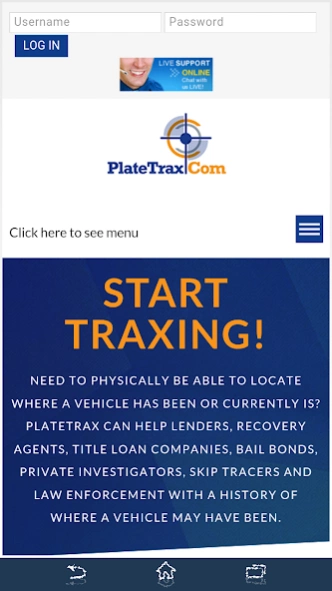
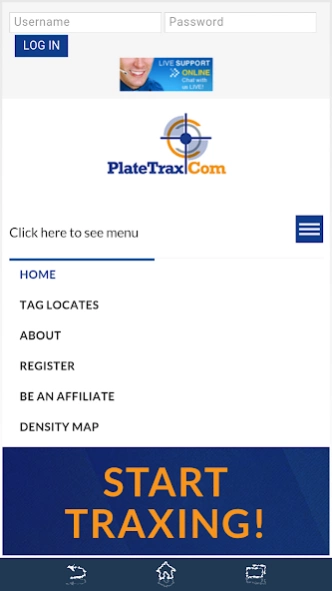

Developed to assist those in the collateral recovery industry in locating assets
Need to physically be able to locate where a vehicle has been or currently is?
PlateTrax can help Lenders, Recovery Agents, Title Loan Companies, Bail Bonds, Private Investigators, Skip Tracers and Law Enforcement with a HISTORY of where a vehicle may have been.
PlateTrax was developed to assist those in the collateral recovery industry in locating assets that they are currently looking for, i.e. BOLO’s or “be on the look out”.
Using our Tag Locate or Upload Plates functionality you can search our database to see if the tags have been spotted by one of our approved LPR system operators.
If they have been seen you can purchase those “locates”, or we like to call them, “trax” using our services. 50% of the locate fee goes to the LPR Operator, the other 50% goes to PlateTrax.Com LLC for upkeep and management of the site.
If you would like to enter a list of items and be notified in the future if one of our LPR operators scans the tag, please use the Upload Plates functionality. You must have either a PlateTrax, RepoSystems, VIN2Plate or SkipHunter login to use this functionality.
About PlateTrax
The company that develops PlateTrax is RepoSystems.Com Inc.. The latest version released by its developer is 1.0.
To install PlateTrax on your Android device, just click the green Continue To App button above to start the installation process. The app is listed on our website since 2015-08-25 and was downloaded 0 times. We have already checked if the download link is safe, however for your own protection we recommend that you scan the downloaded app with your antivirus. Your antivirus may detect the PlateTrax as malware as malware if the download link to project.android.platetrax is broken.
How to install PlateTrax on your Android device:
- Click on the Continue To App button on our website. This will redirect you to Google Play.
- Once the PlateTrax is shown in the Google Play listing of your Android device, you can start its download and installation. Tap on the Install button located below the search bar and to the right of the app icon.
- A pop-up window with the permissions required by PlateTrax will be shown. Click on Accept to continue the process.
- PlateTrax will be downloaded onto your device, displaying a progress. Once the download completes, the installation will start and you'll get a notification after the installation is finished.
Program Details
System requirements
Download information
Pricing
Version History
version 1.0
posted on 2015-08-25
Disclaimer
Official Google Play Link
We do not host PlateTrax on our servers. We did not scan it for viruses, adware, spyware or other type of malware. This app is hosted by Google and passed their terms and conditions to be listed there. We recommend caution when installing it.
The Google Play link for PlateTrax is provided to you by apps112.com without any warranties, representations or guarantees of any kind, so access it at your own risk.
If you have questions regarding this particular app contact the publisher directly. For questions about the functionalities of apps112.com contact us.
